Tree Service
Tree Service Online Presence: A Full Checklist
Before anyone calls about a big tree, they check you online. Here is every place they look, and what each one needs to show.
Get a Quote →Before anyone calls about a big tree, they check you online. Here is every place they look, and what each one needs to show.
Get a Quote →A tree service online presence is every place a customer can find and check your company before calling. That means your Google Business Profile, your website, your reviews, your directory listings, your social media and your credentials. Each one should show the same name, phone number and service area, plus real proof of your work.
Tree work is a high-ticket, high-risk job. A homeowner in Bullhead City with a cracked mesquite over the garage is not picking the first name on the list. That person checks the map, opens two or three websites, reads reviews and looks for insurance and credentials. If any piece is missing or out of date, the call goes to the next company.
This checklist covers each piece in the order to fix it. Work down the list one item at a time. Most of it costs time, not money, and every item you finish makes the next one work harder.
A tree service online presence has seven parts, and customers check most of them before they call. Here is what each part does and where it lives.
| Part | What the customer checks | Where it lives |
|---|---|---|
| Google Business Profile | Are you near me, are you open, what do people say | Google Search and Maps |
| Website | Do you do this job, in my city, and can I trust you | Your own domain |
| Credentials and insurance | Are you licensed where required, insured and trained | Website footer, About page, quotes |
| Reviews | Did past customers have a good experience | Google first, then other listings |
| Listings | Is the phone number right, are you real | Apple, Bing, Yelp, Nextdoor, BBB, Facebook |
| Social media and photos | What does your work actually look like | Facebook, Instagram, your profile photos |
| City pages | Do you really work in my area | Your website, one page per city |
Google's local ranking help page says complete and detailed business information helps match your profile to the right searches. The same goes for every other piece on this list. Half-finished profiles and pages lose to complete ones.
Your Google Business Profile comes first because it is what customers see on the map before they ever reach your website. Get it complete and accurate before anything else.
For more on keeping a profile active, read why Google Business Profile posts matter.
Yes, if customers do not come to your yard. Google's guidelines say a service-area business should hide its address and set a service area instead. A tree company run from a home or a storage yard fits that rule. Show the address only if you have a real office that welcomes customers.
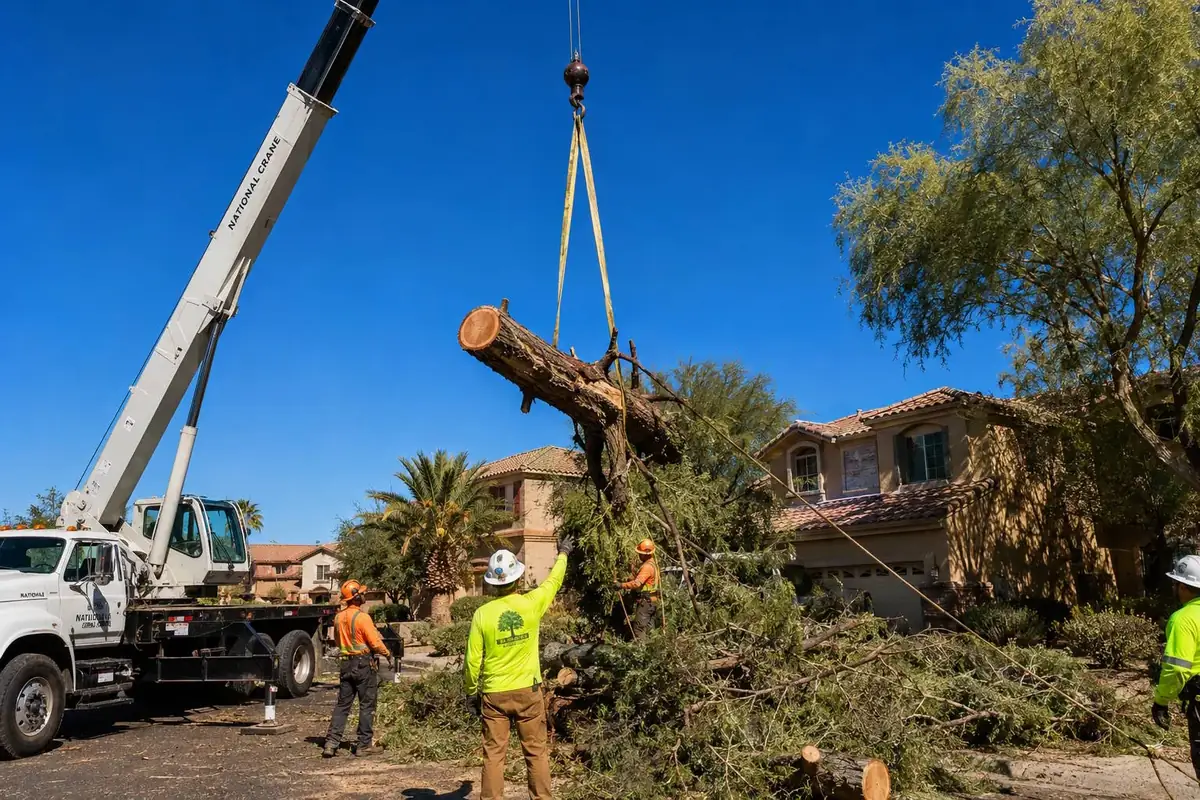
Your website is where a tree customer decides you are the right company. It has to load fast, list every service and make calling easy. A Business Profile gets the click. The website earns the call.
Work through this list on your own site, on your own phone:
A template site often misses half of this. The post on template and custom websites for tree service companies shows the difference. Speed fixes are covered in what slow mobile pages cost outdoor service businesses.
Each service page should answer the questions a customer has about that one job, in the order they ask them. Use this list for every page:
A stump grinding page and a crane removal page should look different, because the customers are different. One wants a quick, cheap fix. The other wants proof you will not drop a trunk on the roof.
It should say, in the first two lines, whether you take emergency calls, when, and how fast you can usually get there. Then the phone number, big. Storm customers do not read long pages. More on that job type is in how tree services get emergency removal jobs through Google.
Kiss My Grass Social has worked with landscapers, pest control companies, and tree services in the Tri-State area and the Dallas-Fort Worth market for 10 years. Get in touch to talk about your business.
Email: [email protected] | kissmygrasssocial.com
Veteran-owned and family-owned.
Credentials and insurance belong in plain view because tree customers are hiring someone to work at height near their house. Put them in the footer, on the About page and on every quote.
Not every tree job needs a contractor license, and the rules differ by state and job type. Check with your state board before you publish. This is general information, not legal advice. The trust signals post covers how to present credentials so they actually get read.
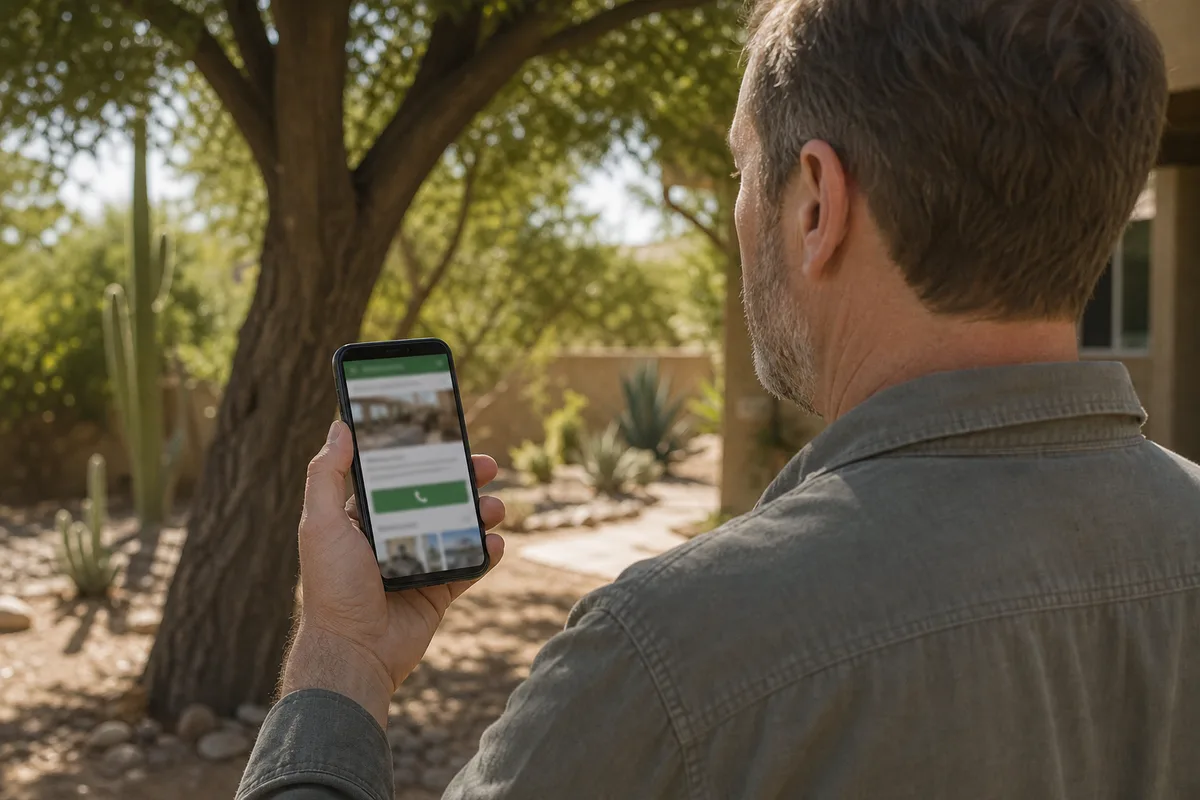
Reviews are part of your online presence because they are the first proof most customers read. Google's local ranking page says more reviews and positive ratings can help a business's local ranking.
A tree service with a steady flow of recent reviews looks active. One with a handful of old reviews looks like it may have closed.
Replies count as much as the reviews. Google's ranking page says that replying to reviews shows you value customer feedback. Thank good reviewers by name and mention the job. Answer a bad review once, calmly, with the facts and a phone number. The next customer is reading how you handle a problem, not just the problem.
Directory listings should all show the exact same business name, phone number and service area as your Google profile. Mismatched details make customers doubt you are the same company.
| Listing | Why it matters for tree work | What to check |
|---|---|---|
| Apple Business Connect | iPhone users searching in Apple Maps | Name, phone, hours, category |
| Bing Places | Bing search and Bing Maps | Same details as Google |
| Facebook page | Neighbors share and tag local companies there | Phone, website link, service area |
| Nextdoor | Homeowners ask neighbors for tree crews | Business page claimed and current |
| Yelp | Some customers check it before calling | Claimed, correct phone, photos |
| Better Business Bureau | Some customers check it before a big job | Contact details and complaint replies |
Keep one master list of your details in a text file: exact name, phone, website, service area and a short description. Copy from it every time, so every listing matches. When the phone number changes, update every listing the same week. Google's profile guidelines also say a service-area business should have one profile for its central office. Do not create a second profile for each city.
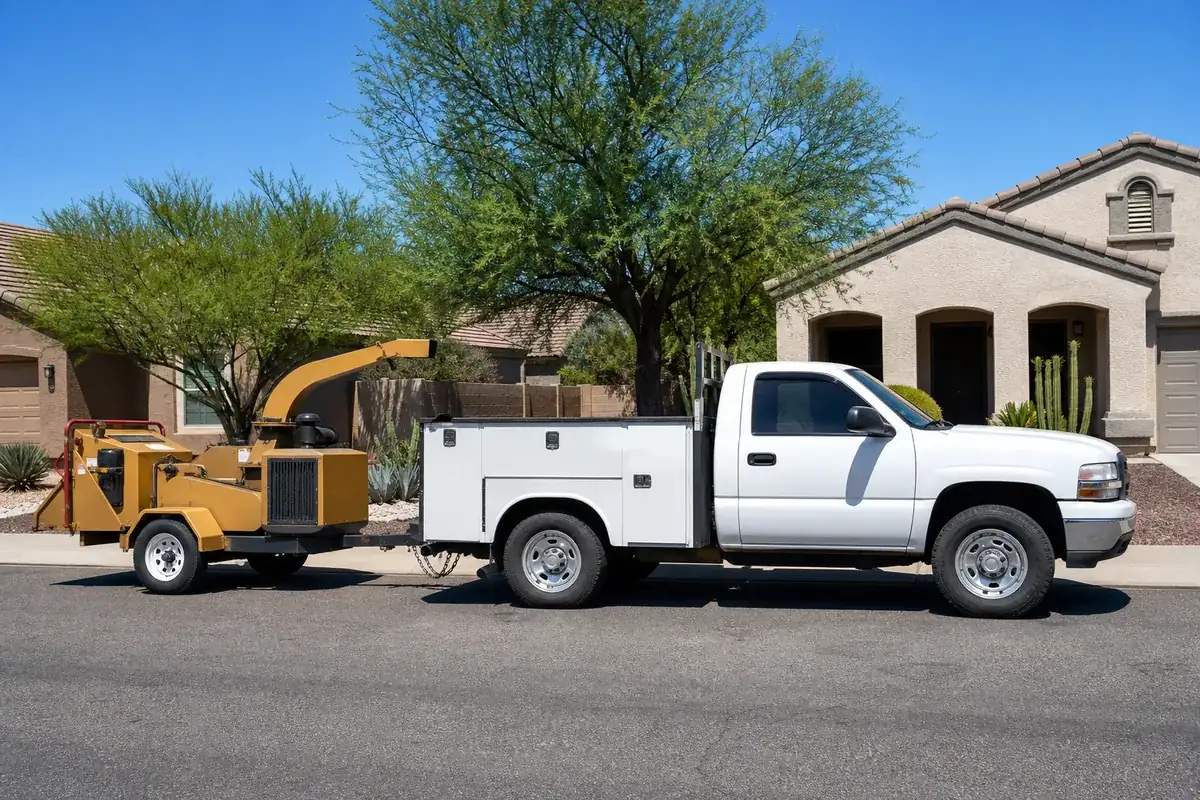
Social media shows what your work looks like, which matters in a trade where most customers cannot judge the job until it is done. Post your own jobs, not stock photos.
Facebook is where neighbors share and tag local companies, so start there. Add Instagram if you have the photos to keep it fed. The post on job photos for tree service marketing covers what to shoot.
Post what customers should plan for next. Pruning advice before the busy season, a reminder to check trees before storms, a crew member's tools, a piece of equipment you just serviced. A short video of a stump grinder at work does more than a holiday graphic. Keep posting through the quiet weeks, so the page is current when the calls pick up again.
A tree service needs a page for each city it serves. Customers search with the city name, and each city has different trees and conditions. A list of city names on one page does not do the same job.
The Tri-State area shows why. Bullhead City sits at about 925 feet on the Colorado River, across from Laughlin. Kingman sits above 3,300 feet. The heat, the frost and the trees people plant are not the same in both places. A good city page says so.
Each city page should include:
The same rule holds in Dallas-Fort Worth, where Plano and Fort Worth customers search for their own city by name. The post on location pages that actually rank covers how to write them without copying one page five times.

Most tree service companies lose calls to a few common gaps, not to a lack of effort. Check your own presence against this list:
None of these needs a big budget. Each one needs an hour of attention and someone who owns the job.
Your online presence is working when more calls, quote requests and direction requests come from it month over month. Google gives you most of the numbers for free.
Google's Business Profile performance report counts calls from the call button, messages, direction requests and clicks on your website link. You can set a date range and compare months. Calls only count when a phone number is on the profile.
Google Search Console shows which searches bring people to your website, with impressions, clicks and average position. Look for the services and cities you care about. If "stump grinding Kingman" shows impressions but no clicks, the page title and description need work.
Then ask every new caller how they found you, and write it down. A simple tally beats a guess. After three months you will know which pieces bring in work and which ones need more attention.
You can fix the basics of a tree service online presence in about a month by taking one part each week. Here is the order that pays off first.
| Week | Work | Done when |
|---|---|---|
| 1 | Google Business Profile | Every field filled, 10 or more real photos, service area set |
| 2 | Listings | Six listings claimed and matching your master list |
| 3 | Website fixes | Tap-to-call on every page, credentials in the footer, one page per service |
| 4 | Reviews and photos | Review link sent after every job, photos posted every week |
City pages and a full website rebuild take longer, so plan them after the basics. If you serve Arizona, try to finish before June 15, when the official monsoon season starts and storm calls pick up. Then keep going. A presence that was perfect last year and quiet since looks the same as one that never started.
Here are short answers to the questions tree service owners ask about getting found online.
Yes. The profile gets you onto the map, but it holds only so much. A website gives each service its own page, shows your credentials and photos in full, and gives your ads a place to point. The profile and the site do different jobs, and you need both.
Post when you have a real job to show, and aim for a steady rhythm, such as two or three posts a week. A crane removal, a big trim or a storm cleanup makes a better post than a stock photo. Name the city and the job in every post.
Start with the ones your customers already use: Apple Business Connect, Bing Places, Facebook, Yelp, Nextdoor and the Better Business Bureau. Use the exact same business name, phone number and service area on each one. A few accurate listings beat dozens of half-finished ones.
The basics fit in about a month of steady work. Do the profile in week one, listings in week two and website fixes in week three. Reviews and photos run from then on. A new website takes longer. The work never fully ends, because photos, reviews and posts keep coming.
Kiss My Grass Social has worked with landscapers, pest control companies, and tree services in the Tri-State area and the Dallas-Fort Worth market for 10 years. Get in touch to talk about your business.
Email: [email protected] | kissmygrasssocial.com
Get a Quote →Practical tips for outdoor service businesses in the Tri-State area.
Tell us about your business and we'll come back with a clear proposal covering scope, approach, and cost.