Managed Hosting
Managed Hosting for Landscaping Websites: What a Plan Covers
Who keeps your site online, updated and backed up after launch, what you still handle, and the questions to ask any provider before you sign.
Who keeps your site online, updated and backed up after launch, what you still handle, and the questions to ask any provider before you sign.
Managed hosting for landscaping websites means someone else keeps your site online, secure, backed up and current, while you run crews. You stop getting renewal emails and update alerts. You ask for a change to your hours or phone number, and it gets made. The work still happens. It just stops being your job.
Most pages that rank for this search come from hosting companies and software sellers. They explain hosting types, templates and storage. That helps a developer. It does not help a landscaping owner who wants to know one thing: who does the work after launch? This guide answers that, job by job, with the questions to ask before you sign.

For what our own plan includes, see the managed hosting page. The rest of this post works for any provider you are comparing.
Rather not think about your website again? Ask about managed hosting in your quote request.
Get a Quote →Veteran-owned and family-owned. 10 years in business.
A managed plan covers the technical jobs that keep a site working. The host or agency does them on a schedule, so you never have to remember them. Most managed plans include these parts:
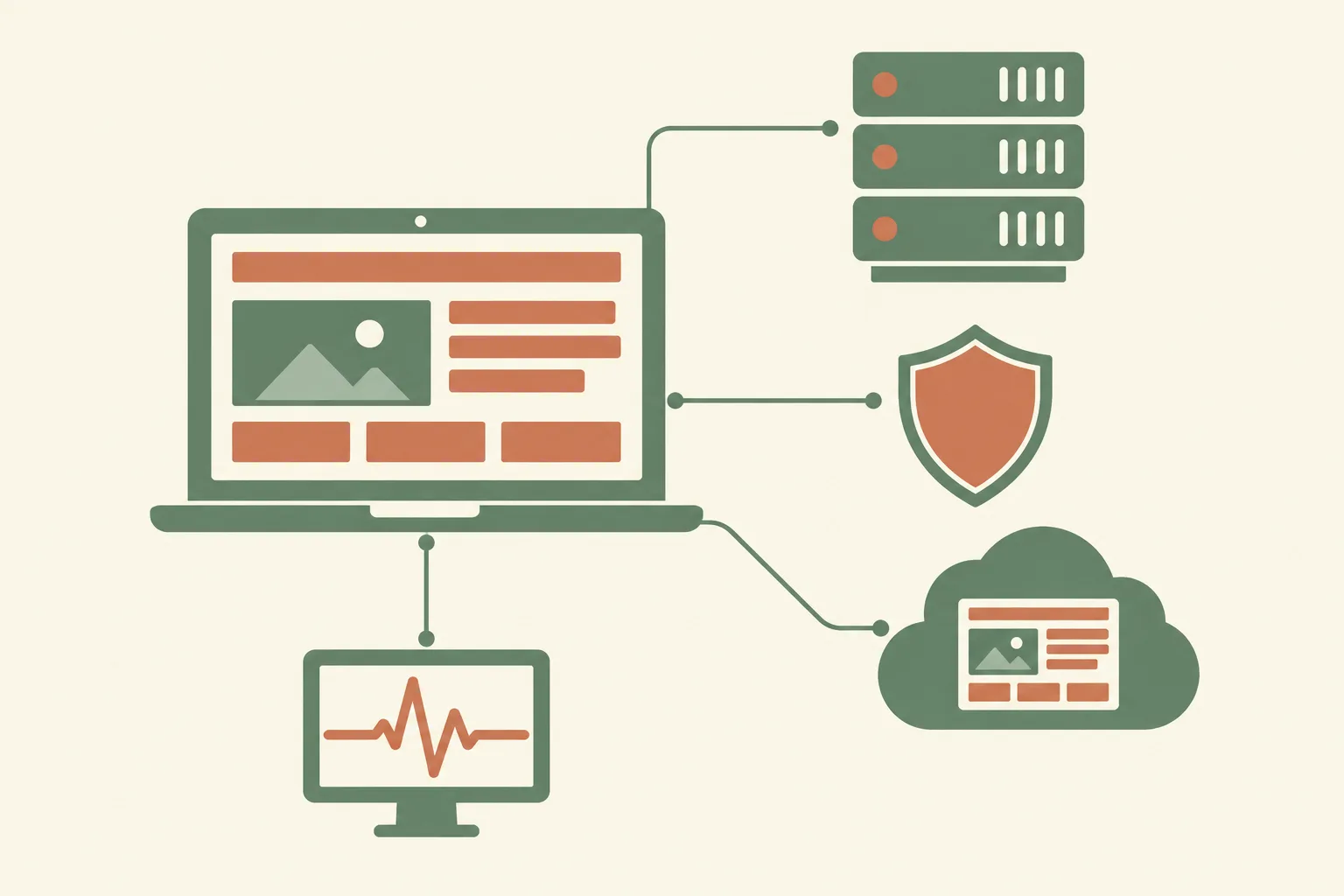
A managed plan usually stops at the technical side. It does not write your service pages or take your job photos. It does not run your Google Business Profile. Those are separate jobs, like content writing or local SEO.
The clearest way to see the difference is job by job. On a self-managed plan, the host rents you space and you do the rest. On a managed plan, the provider does the rest.
| Job | Self-managed hosting | Managed plan |
|---|---|---|
| Keep the server online | The host | The provider |
| Install software updates | You | The provider |
| Renew the SSL certificate | You, or a setting you have to check | The provider |
| Make and store backups | You | The provider |
| Restore the site after a problem | You | The provider |
| Watch for malware | You | The provider |
| Notice when the site is down | You, when you happen to check | The provider's monitor |
| Change your hours or phone number | You | The provider, if edits are included |
| Decide what the site says | You | You |
Look at the last row. A managed plan takes the chores, not the decisions. Your services, prices, photos and service area are still yours to set.
Two kinds of updates hit every site, and they are easy to mix up. Software updates keep the code safe. Content updates keep what visitors read correct. A managed plan should cover the first. Ask how it handles the second.
Sites run on code, and that code gets security fixes from time to time. Someone has to apply them. Then someone has to check that the quote form still sends and the pages still load on a phone. On a managed plan, that someone is the provider.
A landscaping site changes with the seasons, because your work does. Here are edits a landscaping company may need through the year:

Each of these is small. Each one also matters. A visitor who sees last season's services, or a phone number that no longer works, may call someone else.
Before you sign, ask three things:
A new page for a service you just added is not a small edit. Neither is a new city page or a fresh layout. Ask whether those count as plan edits or a separate project. Knowing where the line sits keeps the first bill from being a surprise.
A backup is a copy of your site you can bring back after something breaks. A bad update, a hacked page or a deleted file can all take a site down. With a recent backup, the fix is a restore. Without one, it can be a rebuild.
The U.S. Cybersecurity and Infrastructure Security Agency (CISA) gives small businesses plain advice on backing up business data. Its guidance fits a website well:
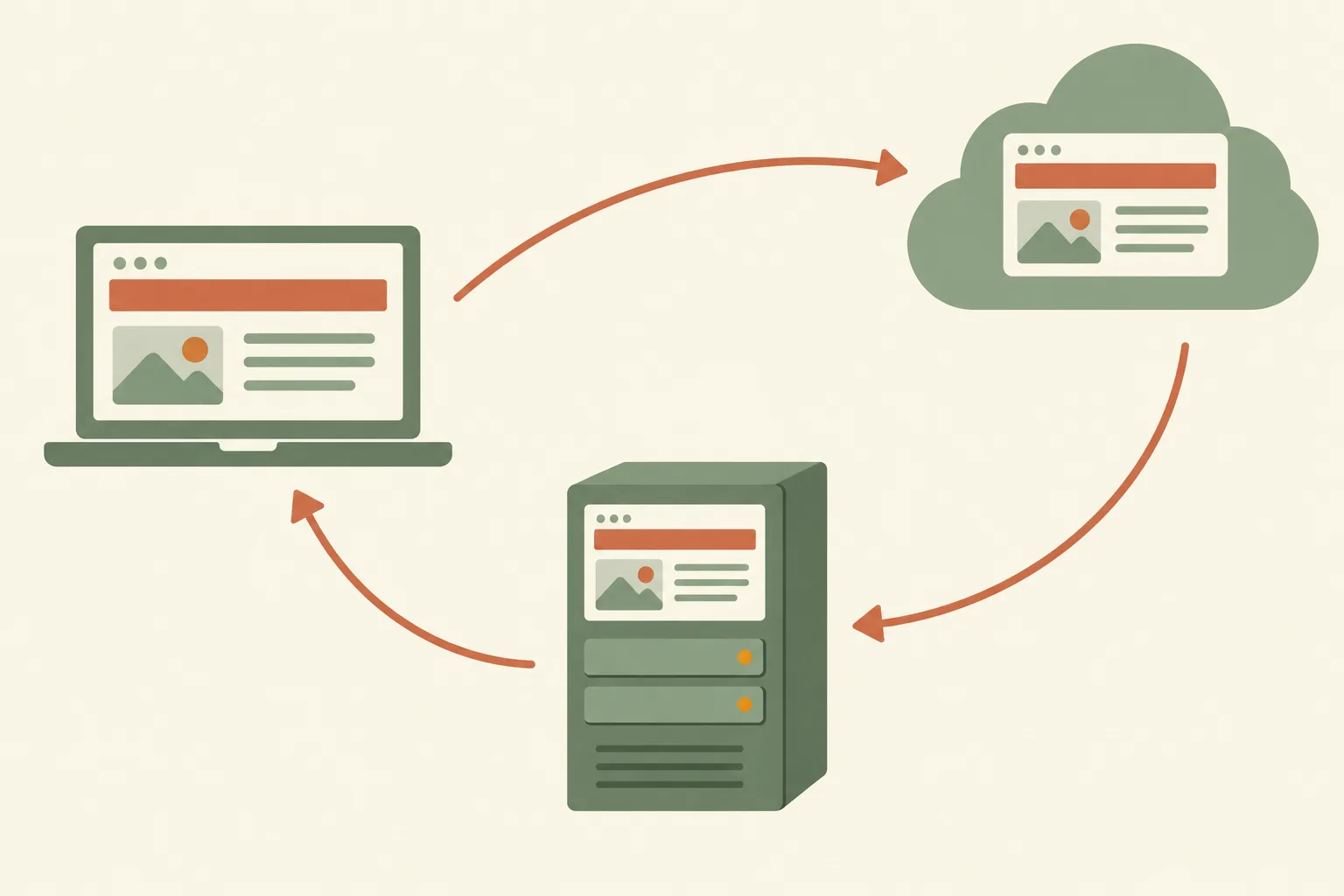
For a landscaping website, turn that into four questions for any provider:
Your photo gallery matters most here. Job photos of finished patios, xeriscapes and sod installs are hard to replace. Keep your own copies too, on your phone or computer.
SSL is the certificate that lets your site load over HTTPS. Without it, Google Chrome shows a "Not secure" warning. Chrome's help page says someone may then be able to view or change what visitors send.
That warning is a bad look on a quote form. A homeowner about to type an address and phone number may stop right there. Certificates also have an end date. Let's Encrypt, a certificate authority, gives its certificates a fixed lifetime and recommends renewing them well before it runs out.
On a managed plan, renewal is the provider's job. So is the rest of the security work:
Some searches can't wait. A monsoon storm drops a mesquite limb across a driveway. A sprinkler line splits on a hot afternoon. The homeowner grabs a phone and searches right away.
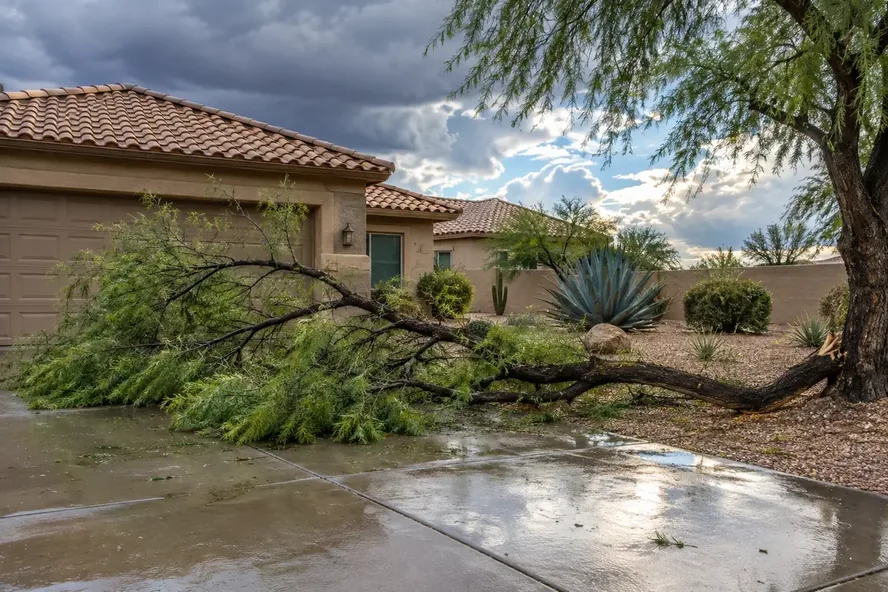
If your site is down at that moment, the call likely goes to the next company on the page. A broken page gives them no reason to wait. That is why uptime checks matter more than the server specs hosting companies like to list. Google also needs to reach your pages to show them in search results.
Speed matters for the same reason. A slow page on a phone can lose people before they see your phone number. Our post on mobile speed for outdoor service businesses covers what slow pages cost you.
Ask any provider how it handles downtime:
This is the checklist to bring to any call with a provider. Get every answer in writing before you pay.
Domain and file ownership come first. If a provider owns your domain, leaving can mean losing your web address. That address is on your trucks, your yard signs and your Google Business Profile.
A good answer is plain and specific. A vague answer, or "don't worry about it," is a reason to keep looking.
Put these questions to us too. Send them with your quote request.
Get a Quote →Veteran-owned and family-owned. 10 years in business.
Neither choice is wrong. It depends on who you have and where you want your time to go. Use this table to sort it out:
| Your situation | Better fit |
|---|---|
| You have a developer or IT person you trust | Self-managed can work |
| You already run your own hosting and like it | Self-managed can work |
| You want one place to call when the site breaks | Managed |
| You spend your days on job sites, not at a desk | Managed |
| Your site is how most new customers find you | Managed, so someone watches it |
| You change services or cities often | Managed, with content edits included |
A self-managed plan can look cheaper. The real cost is your time: updates, renewals, backups and fixes all land on your desk.
If you would rather run crews than servers, a managed plan is the better fit. If you like the technical side, keep it.
A managed plan takes the technical work off your plate. It does not run your business for you. These jobs stay with you:
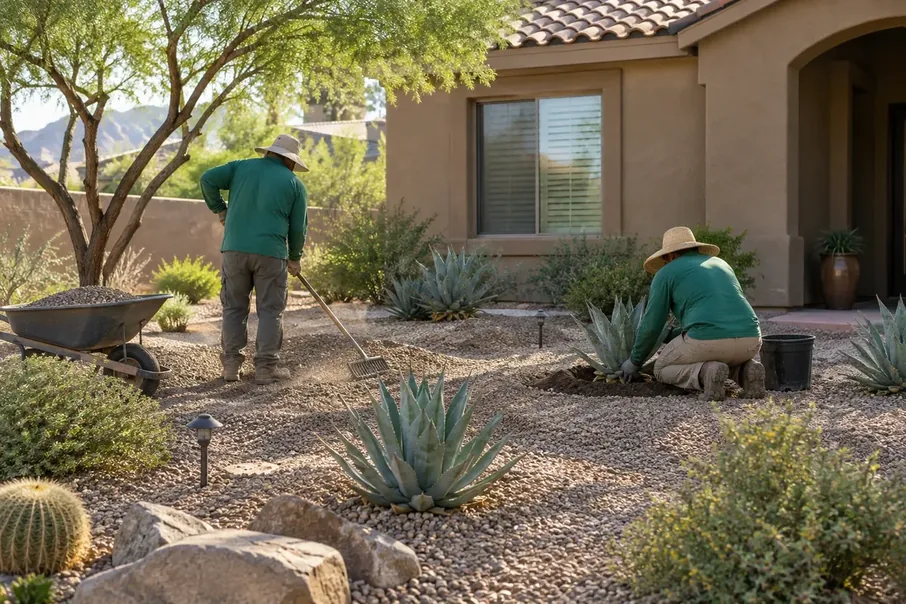
A fast, secure site still loses jobs if nobody answers the form. Hosting keeps the door open. You and your crew still close the job.
Prices vary a lot between providers, so this post gives no numbers. What matters more is what the fee covers. Two plans at the same price can include very different work.
Line up each quote against the who-does-what table above. Check which jobs are included, which cost extra, and which are left to you. A low monthly fee that leaves backups and edits to you is self-managed hosting with a different name.
Not sure if anyone is looking after your site now? Open it on your phone and check for these signs:
Any one of these is worth fixing. Send a test through your own quote form today. It takes a minute and tells you a lot.
Switching providers sounds risky, but it follows a clear order. Done in this order, your site can stay up and your web address stays yours:
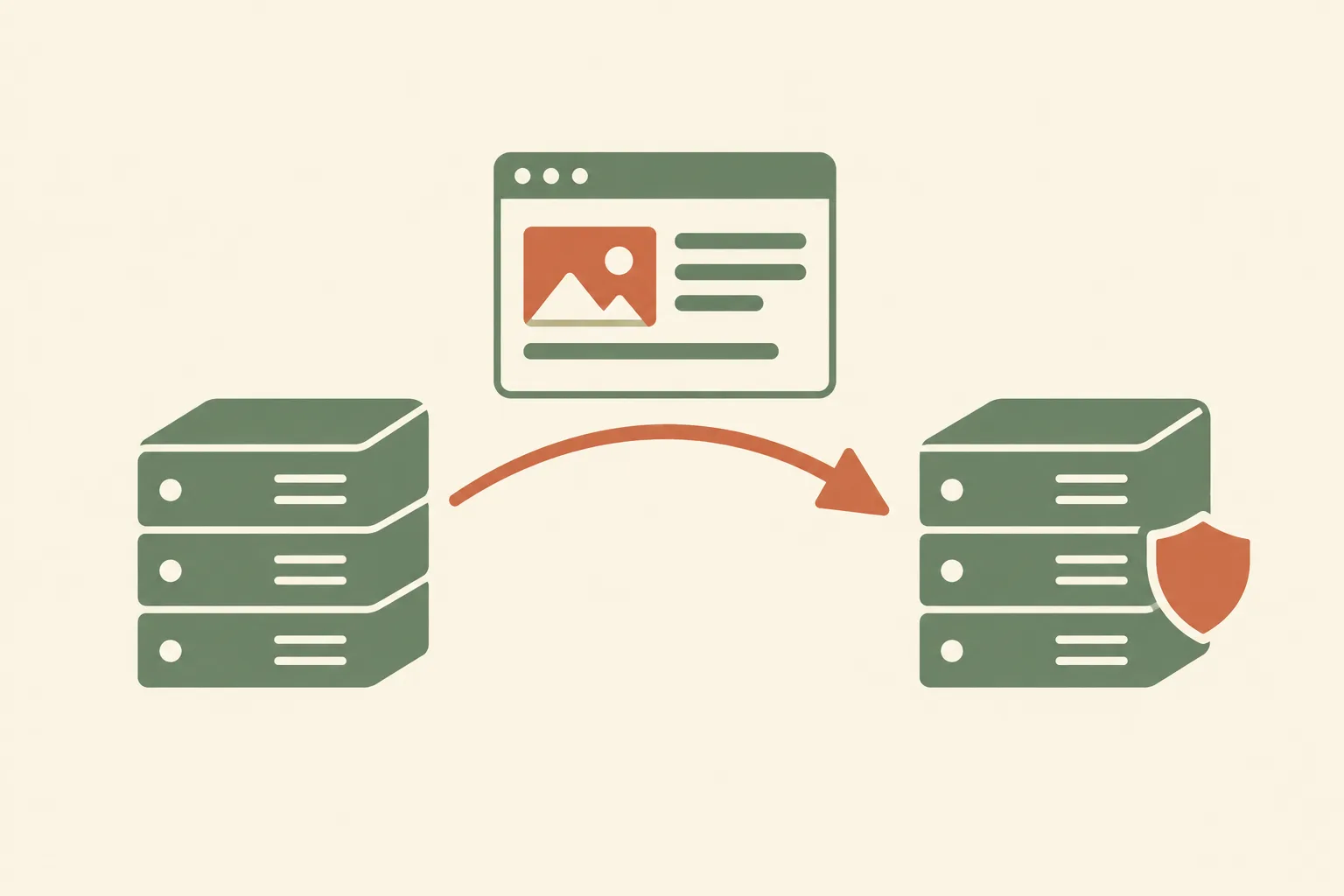
Keep your Google Business Profile and other listings pointed at the same web address. If the address does not change, those links keep working.
Not always. Size matters less than time. A five-page site still needs updates, backups and a renewed certificate. The question is who will do them.
That depends on how the site is built and on the provider. Some give you a login for text changes. Others make every change for you. Ask which way it works before you sign.
Not on its own. Hosting keeps your pages online, secure and loading, so Google can reach them. Rankings depend on much more, like your content, your Google reviews and your local SEO work.
Kiss My Grass Social builds custom websites from scratch, mobile-first, for landscapers, pest control companies and tree services. Managed hosting sits next to our other services: local SEO, social media management and content writing.
We're based in Laughlin, NV, and work across the Tri-State area and Dallas-Fort Worth. We are veteran-owned and family-owned, with 10 years in business.
The full list of what our plan covers is on the managed hosting page. Bring the checklist above to that page, or to a quote call, and hold us to the same standard. If you also need a new site, see our landscaping website design page.
Kiss My Grass Social has worked with landscapers, pest control companies, and tree services in the Tri-State area and the Dallas-Fort Worth market for 10 years. Get in touch to talk about your business.
Email: [email protected] | kissmygrasssocial.com
Get a Quote →Veteran-owned and family-owned. 10 years in business.
Practical tips for outdoor service businesses in the Tri-State area.
Tell us about your business and we'll come back with a clear proposal covering scope, approach, and cost.